An interior-led story
01 · Inside the video
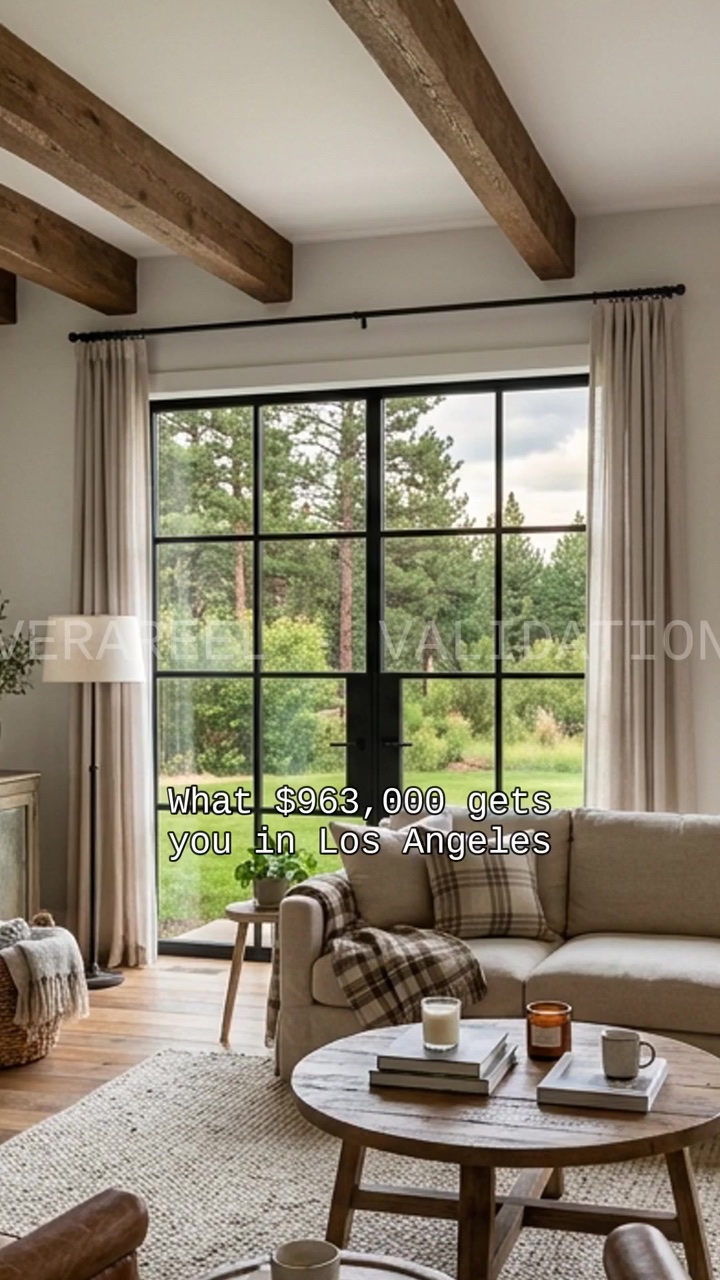 Example screenshot unavailable. No substitute image is shown.
02 · Your separate cover
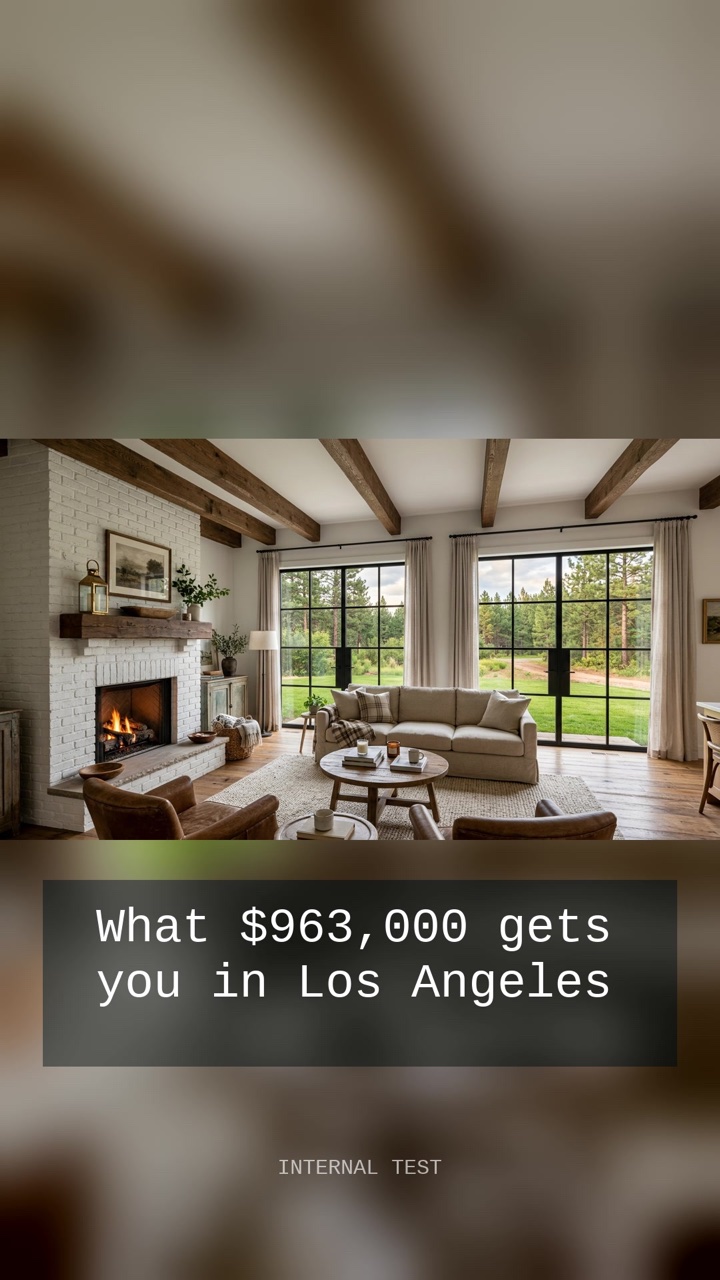 Example screenshot unavailable. No substitute image is shown.
See authorized screenshots of video frames and separate Reel covers.
These saved, historical test outputs help explain what each file is for. They are not current-quality sample videos or customer success stories. Approved public examples are not yet available as complete videos.
See the difference between the files
The video tells the story. The separate cover gives you an image to select when preparing your Reel. Explore both in these saved examples.
Historical test screenshots, shared with permission. Original test watermarks are retained. Listing details shown are not current listings or offers. These illustrate the file types, not the latest rendering quality.
01 · Inside the video
Example screenshot unavailable. No substitute image is shown.
02 · Your separate cover
Example screenshot unavailable. No substitute image is shown.
01 · Inside the video
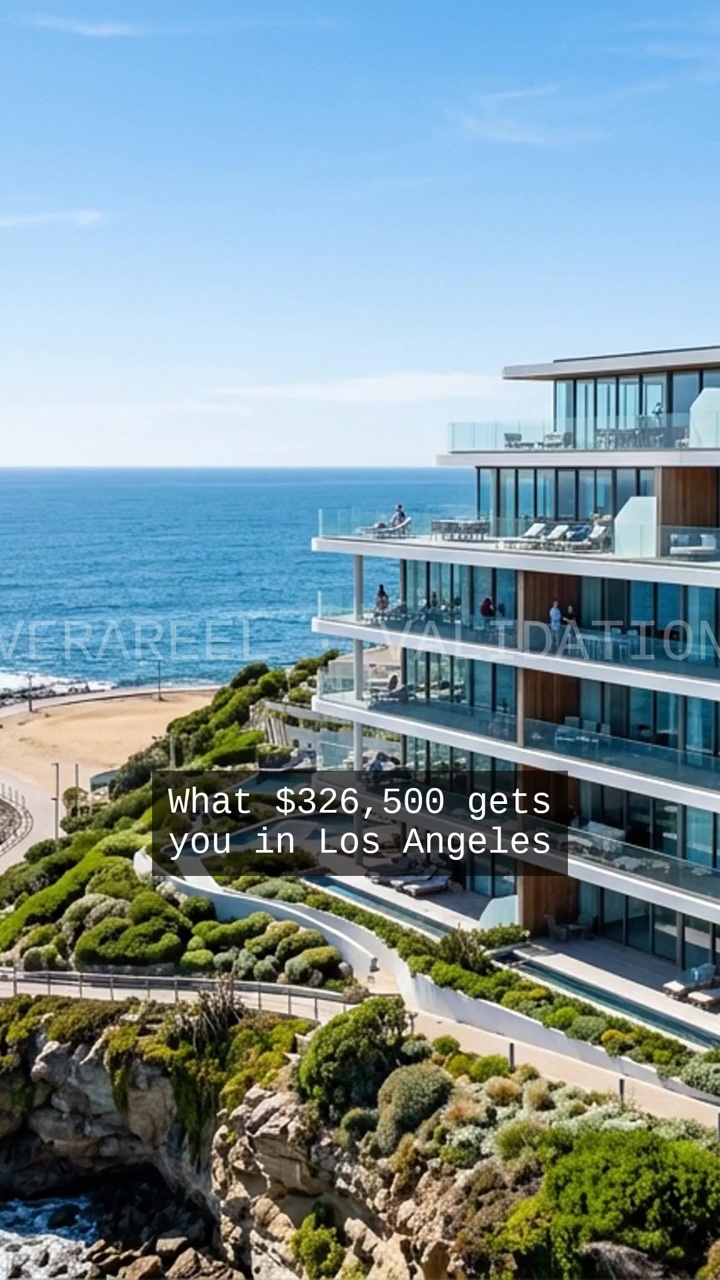 Example screenshot unavailable. No substitute image is shown.
02 · Your separate cover
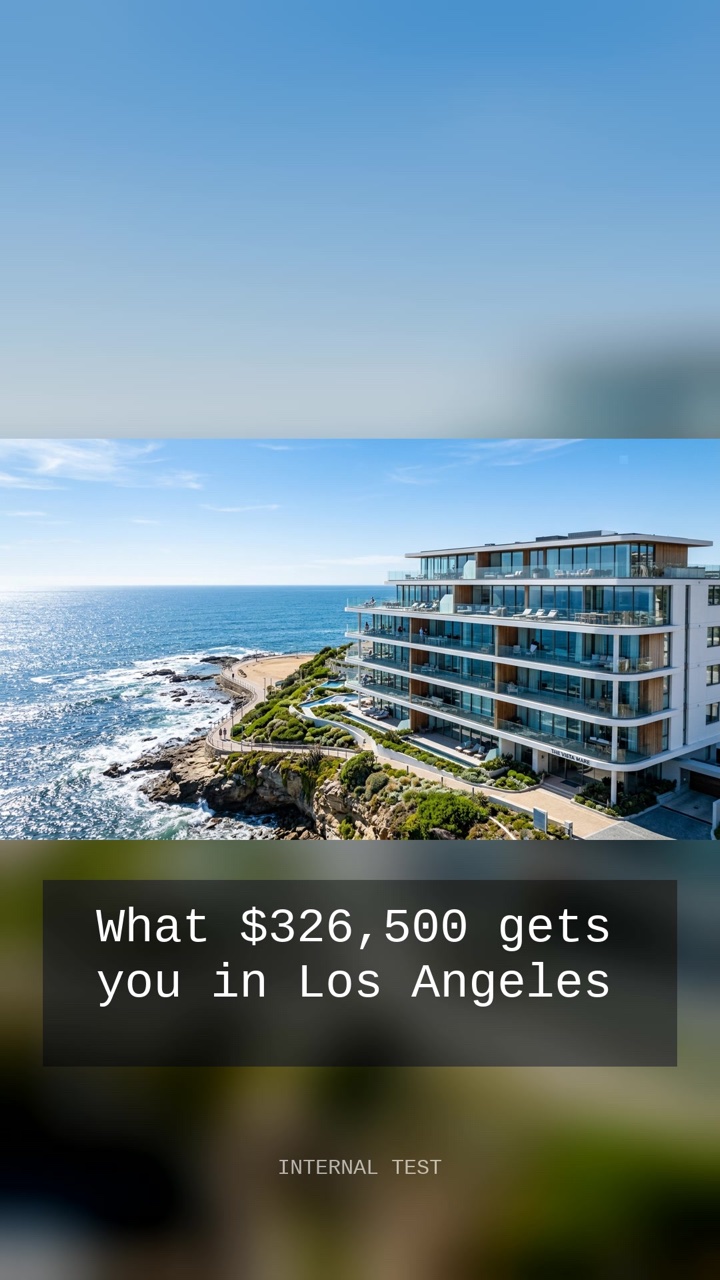 Example screenshot unavailable. No substitute image is shown.
A downloadable MP4 for your next property post. Review its photos, captions and branded ending before publishing.
A JPG to choose as the cover when preparing your Reel. It is separate from the video's opening frame.
On-screen wording plus an SRT file for a subtitle-capable publishing or editing workflow.
A caption you can copy, review and adapt for your own post, using the saved listing facts and CTA.
These four files form a completed content pack. The screenshots above demonstrate frames and covers only; approved current subtitle, post-copy and brand-ending examples are still pending. No additional output is presented as proven by these images.
When a public sample is approved, it will be labeled as an example, with its source context and transcript. No sale, inquiry or performance outcome is implied. Until then, there is no public sample video or associated video metadata on this page.
Explore the actual creation workflow · Review the single-video option · Read photo and output questions
Check plan availability before purchasing.